INTRO
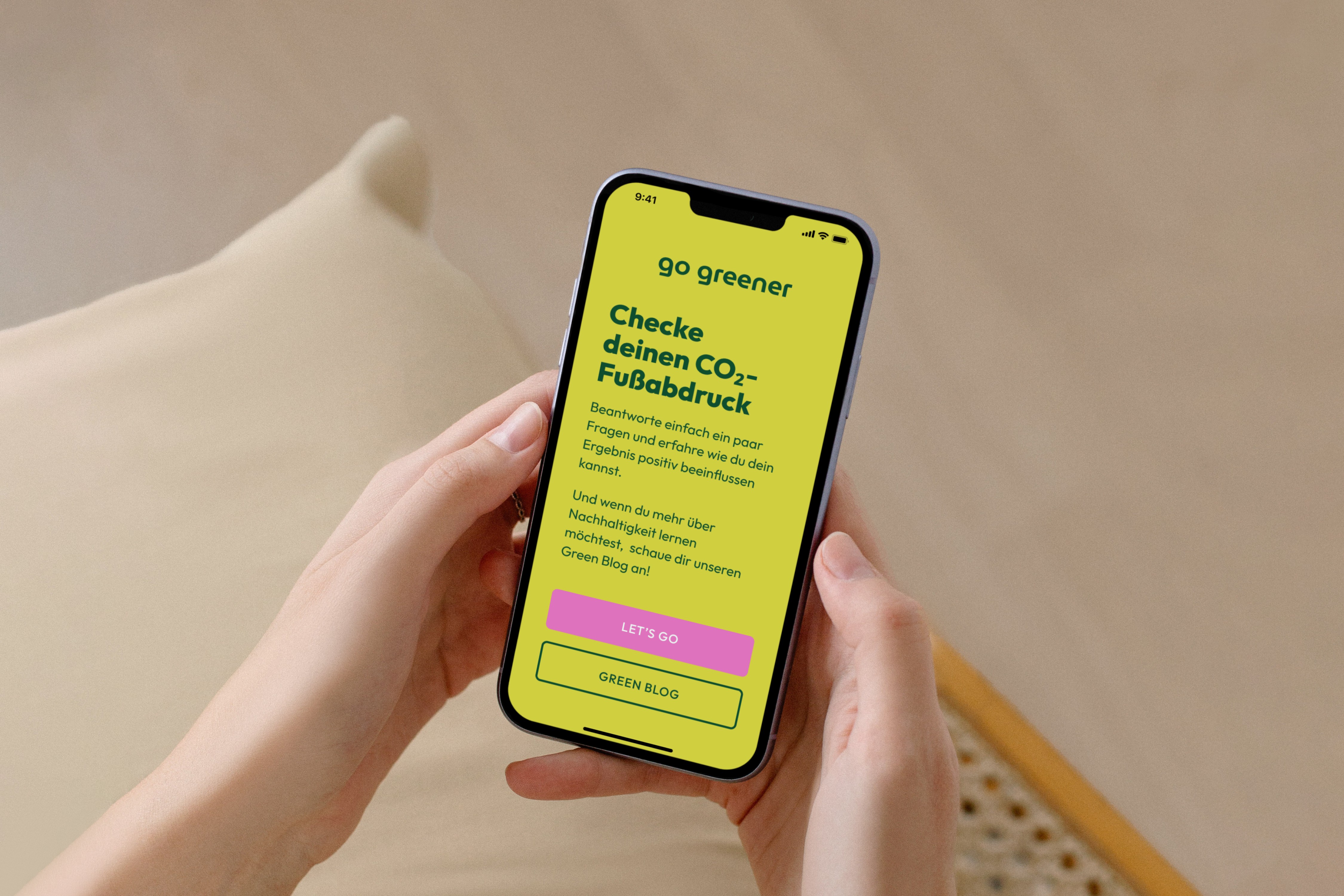
Go greener is a mobile app concept designed to make personal carbon footprint calculation more engaging, informative, and visually appealing than existing browser-based tools.

PROBLEM & DESIGN CHALLENGE
Existing carbon footprint tools are typically browser-based and often present information in a dry, text-heavy format that feels discouraging rather than motivating. They calculate a result, but provide little context or ongoing engagement beyond the number itself.
The challenge was to reimagine carbon footprint calculation as a playful, informative mobile experience that encourages users to reflect and take small action steps.
USER Needs & Motivation
Our design intent was to reach a broad age range of users and help them explore environmental impact without judgment or a “preachy” tone.
KEY INSIGHTS
Design Process & Key Decisions
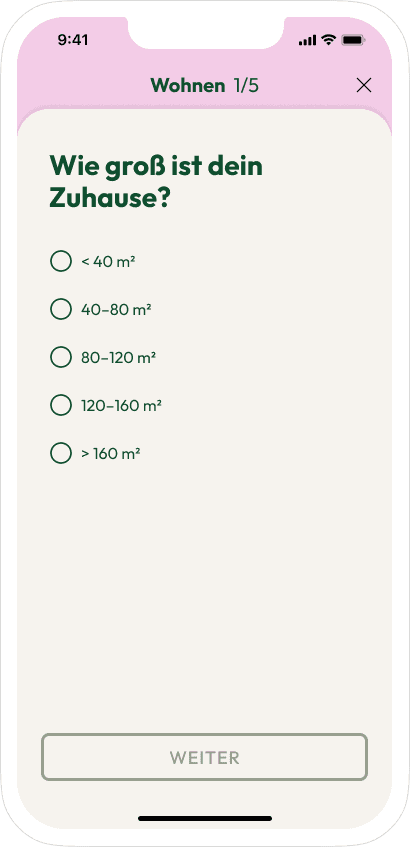
To avoid overwhelming users, the questionnaire was divided into thematic categories (e.g., travel, household, nutrition) with progress indicators. Users could pause at any time, reducing friction compared to long, single-session surveys.
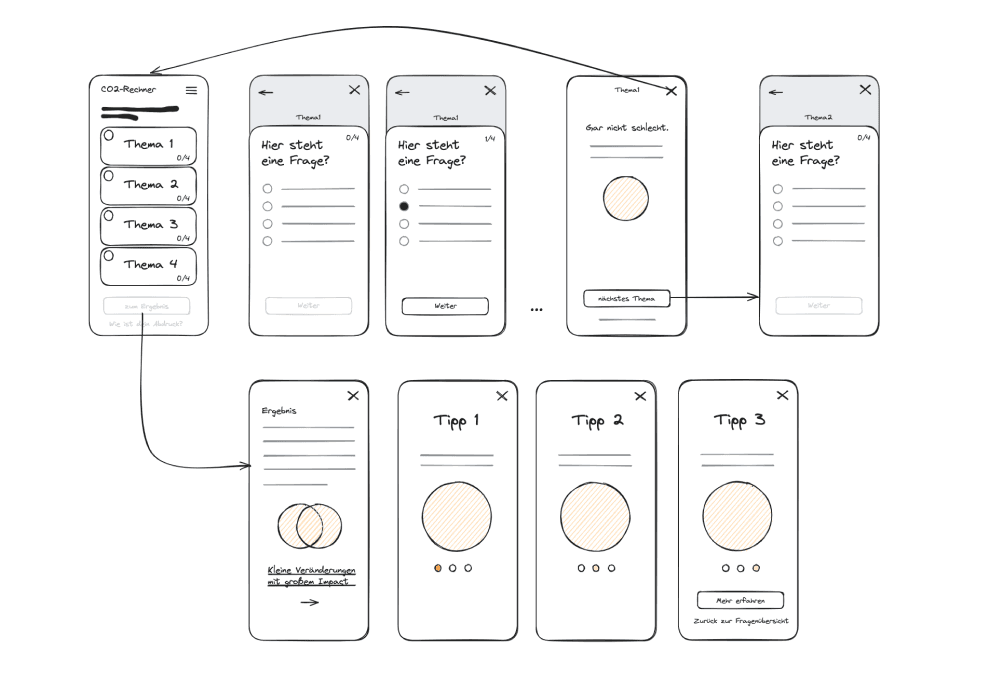
We developed low-fidelity wireframes showing:
These wireframes helped us iterate quickly and refine core interactions before visual design.
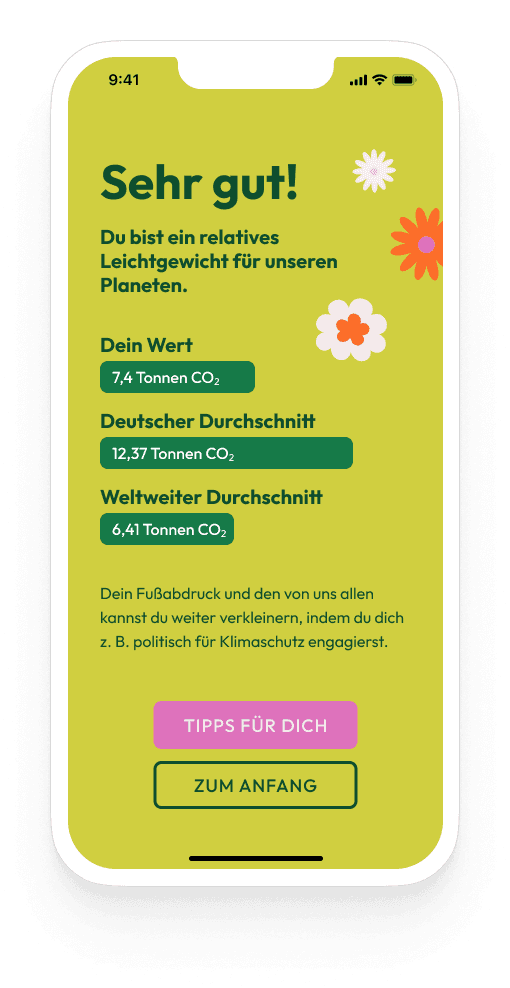
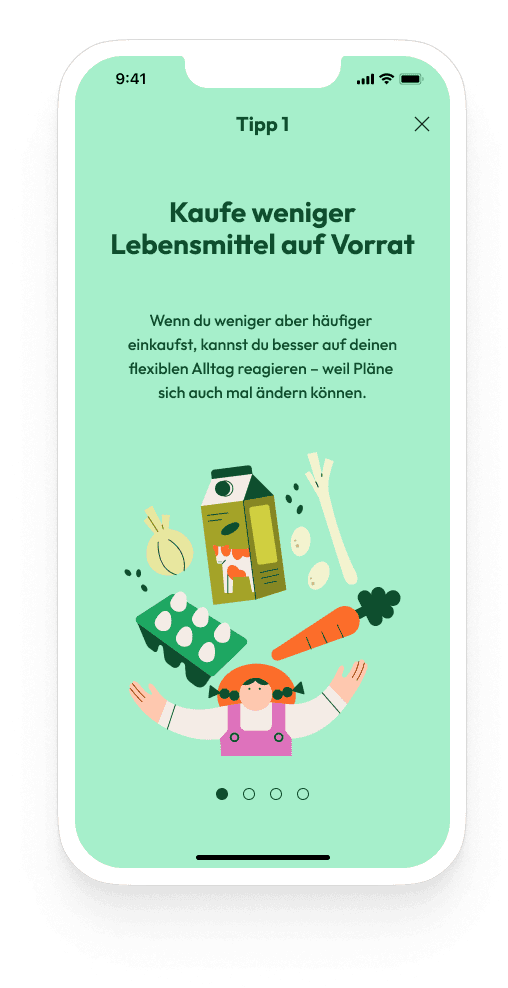
We aimed for a friendly and inviting visual language that supports exploration rather than judgment. Screens were designed to balance clarity (numeric results and comparisons) with inspiration (tips and contextual content).

Solution Highlights
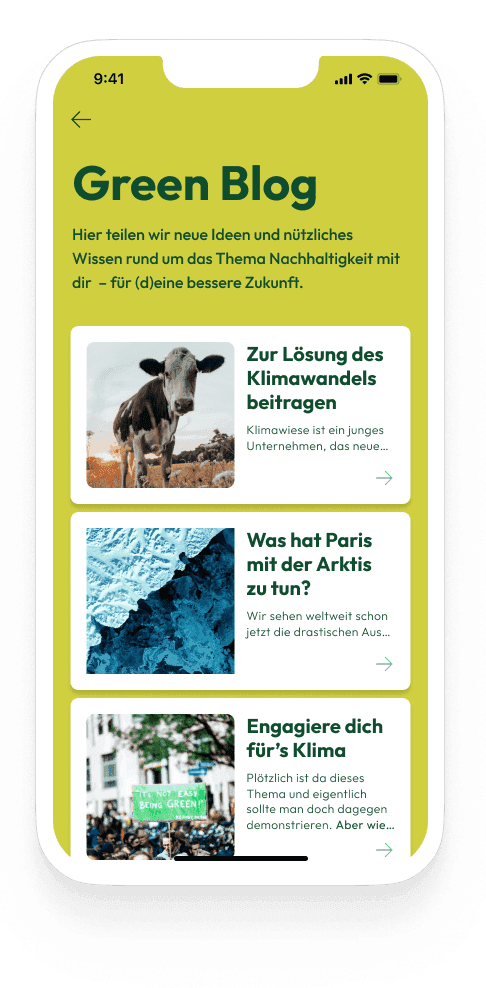
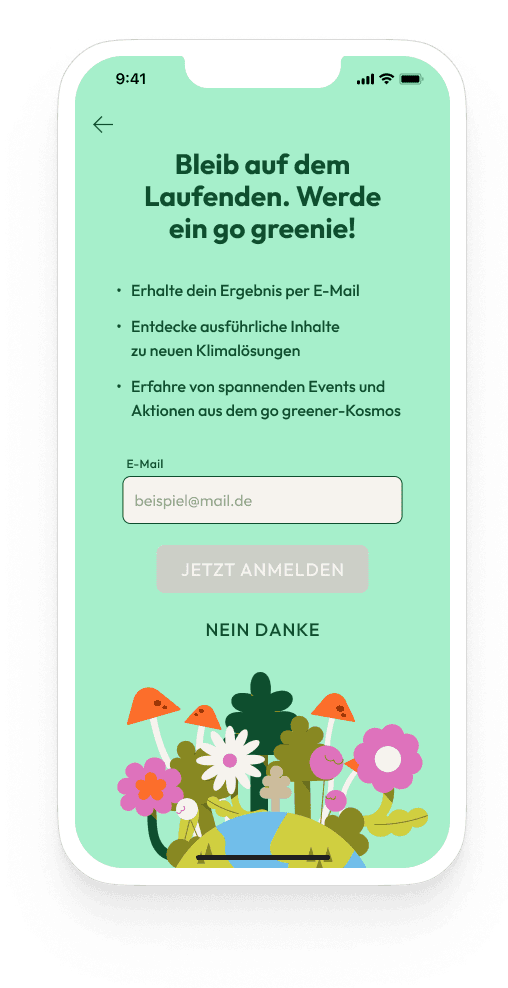
Go greener offers:
These structured elements serve both immediate user needs and encourage continued exploration.
OUTCOME & VALUE
Although this was a concept project without live user testing, the design demonstrates a strong user-centered approach. The user context was translated into clear, manageable flows that help reduce cognitive effort and make the experience easier to navigate.
At the same time, the concept focuses on visual engagement, presenting a typically dry topic in a more approachable way through an inviting interface and motivational content, addressing a common weakness found in many existing carbon footprint tools.
LEARNINGS & NEXT STEPS
From this project, I learned that splitting the questionnaire into short, focused sections keeps users engaged, and adding educational content makes the experience feel more meaningful than just showing a number.
Moving forward, I would test the app with real users to fine-tune the questions and flow, add features to track personal progress over time, and explore ways for users to share goals or compare with others to stay motivated.